High School / College Halloween Coloring Pages
$4

Teacher templates · Grades K–8 · Google Slides / PowerPoint + PDF · Free
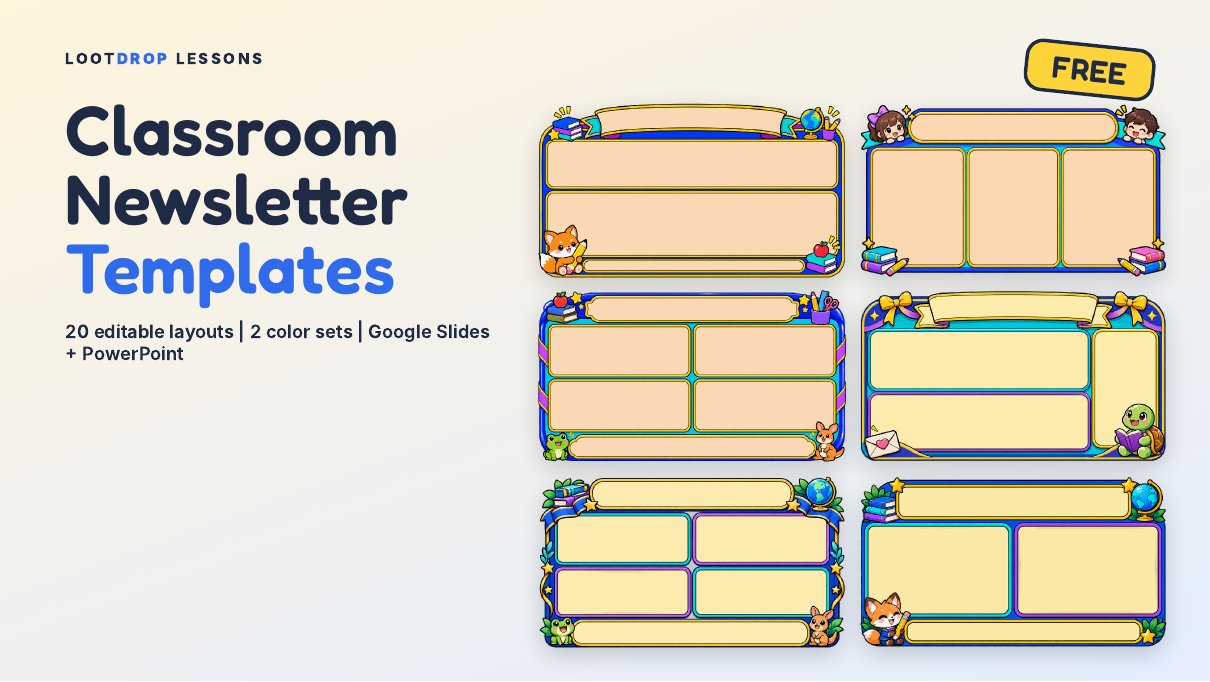
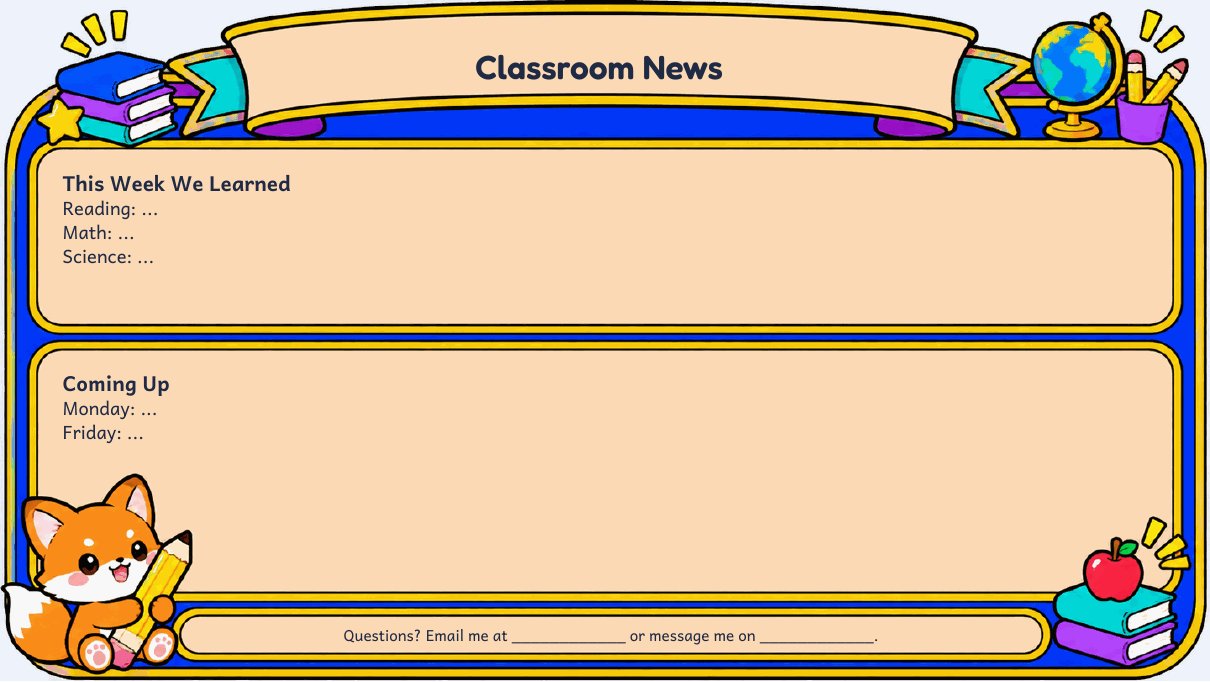
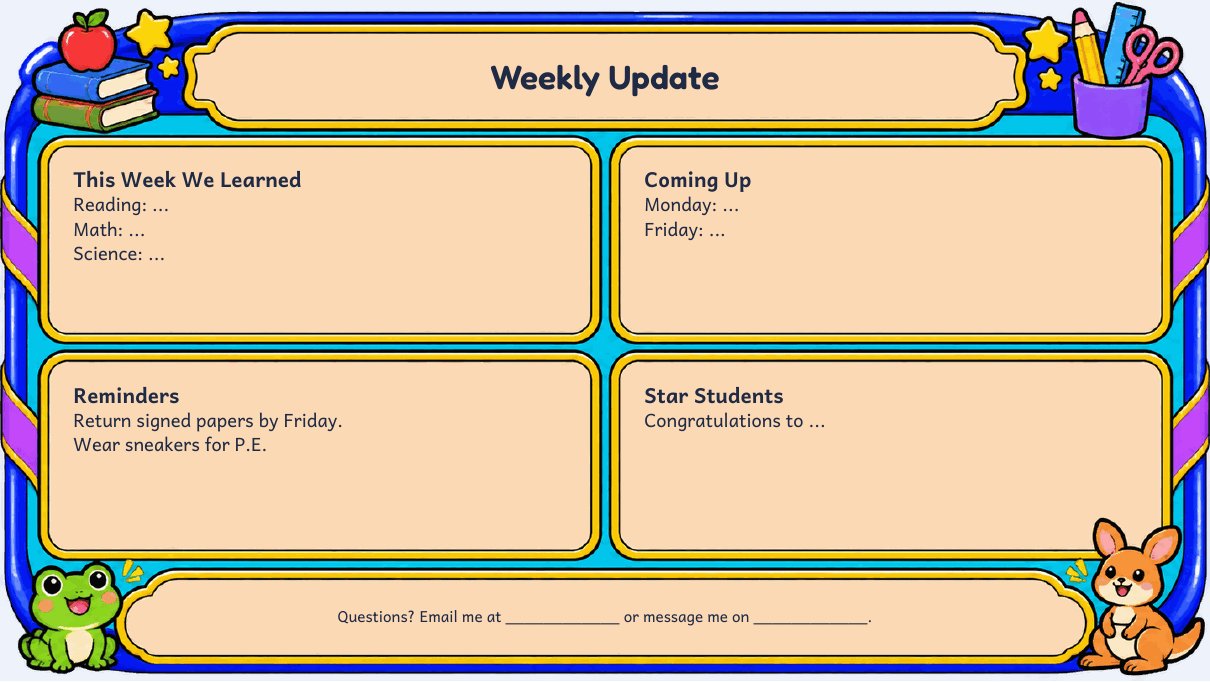
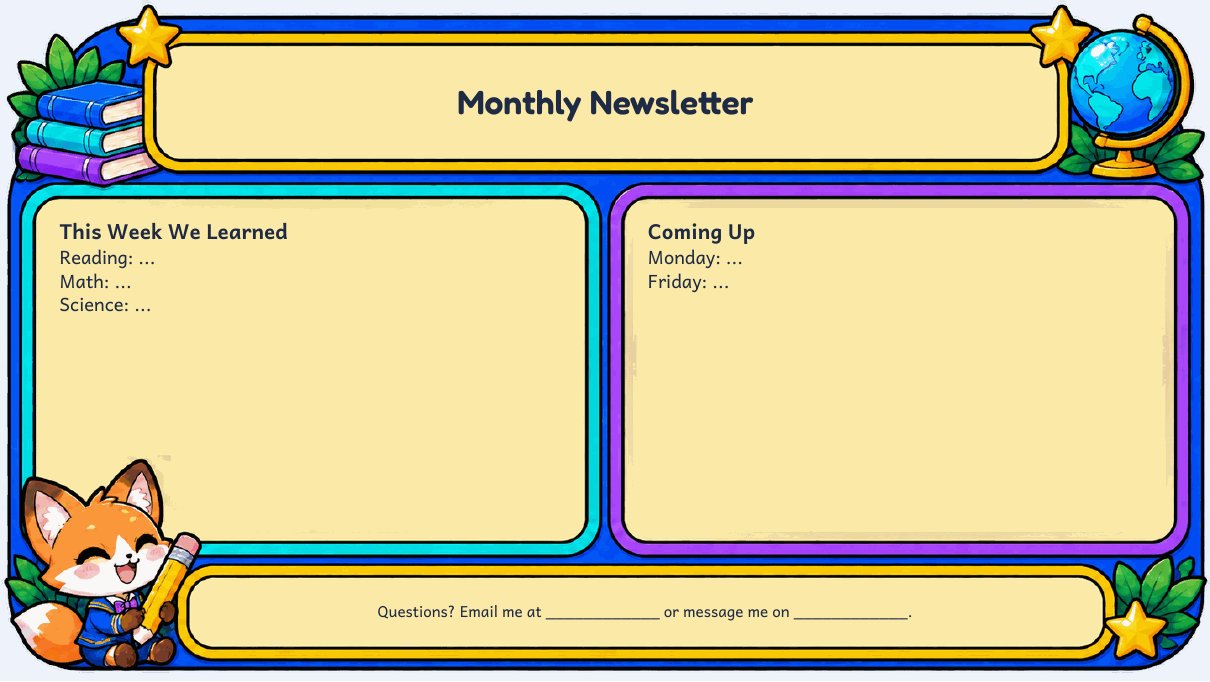
Send home a newsletter families will actually read. These free classroom newsletter templates come with 20 bright, kid-friendly layouts in two color sets: a warm cream set and a crisp white set. Every layout has a big title banner and ready-to-type boxes for things like This Week We Learned, Coming Up, Reminders, Star Students and Important Dates.
Each text box is already placed inside its frame, so you just click and type. Upload the PowerPoint file to Google Drive and open it with Google Slides, or edit it right in PowerPoint. When you're done, download it as a PDF or image to email families or post on your class page.
The frames feature friendly characters and school icons: chibi students, pandas, a fox, a frog and kangaroo, an owl, a bunny and a turtle, plus science and math themed layouts for any classroom.
Topics: math, slides, powerpoint, presentation, kindergarten, prek, elementary, middle, school, grade, 1, 2, 3, 4, 5, 6, 7, 8, free
Built for grades K–8 (pre-K and elementary and middle school). Format: google Slides / PowerPoint + PDF. Free to download. Ways to use it: weekly or monthly family newsletters; meet the teacher handouts.
Grades K–8, so it fits pre-K and elementary and middle school classes.
Google Slides / PowerPoint + PDF. You can edit it to fit your class.
It is free.
Teacher reviews appear here. Bought this resource? Leave a review to help other teachers.