Dream Builders: MLK Day Reading, Writing + Kindness Activities (Grades K–5)
$4

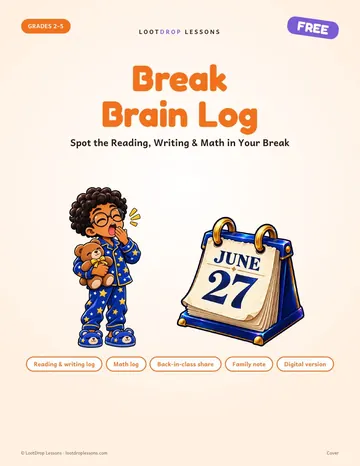
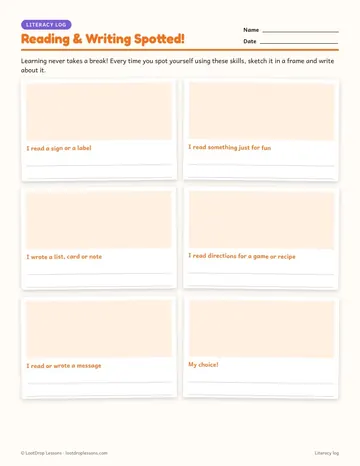
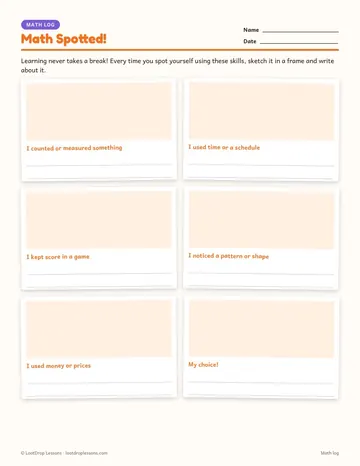
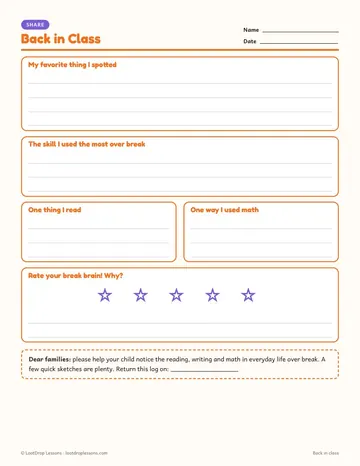
Worksheets & warm-ups · Grades 2–5 · PDF + Google Slides · Free
Learning never takes a break! Send this log home before a long break and students become skill spotters, noticing the reading, writing and math hiding in everyday life.
Photo-style frames prompt them to sketch moments like reading a recipe, writing a list, keeping score in a game or using a schedule, with a my-choice frame on each page.
When they're back, the Back in Class page turns their log into a quick partner share or class chart. Nothing requires travel, money or devices.
Topics: journal, writing, prompts, bell, ringer, math, thanksgiving, fall, november, winter, christmas, holiday, december, slides, powerpoint, presentation, elementary, grade, 2, 3, 4, 5, free
An end-of-year reading project that reviews the year's skills, plus student award ideas and a simple ceremony for the last week of school in grades 2–6.
What to send when a student will miss school for a trip: a simple policy, a travel journal that replaces the packet, and a note to parents you can copy.
Last week before winter break activities for elementary and middle school: holiday math, winter writing, review games and calm routines that keep learning going when attention runs low.
Built for grades 2–5 (elementary ELA). Format: PDF + Google Slides. Free to download. Ways to use it: winter break; spring break.
Grades 2–5, so it fits elementary ELA classes.
PDF + Google Slides.
It is free.
Reading & writing log, Math log, Back in Class reflection, Family note, Google Slides version.
Yes. The digital version works in Google Slides or PowerPoint, so students can type their answers and you can assign it in Google Classroom.
Popular ways to use it: Winter break; Spring break; Thanksgiving break; Back-from-break discussion.